Why Interactive Quizzes Improve Classroom Engagement
The science behind active recall and spaced repetition, five specific round formats ready to drop into any lesson plan, and a frank guide to managing competitive dynamics fairly in a classroom setting.
2026-03-16 · 9 min read · BuzzerBug™ Team
The Science Behind Why Quizzes Work
Before designing a single question, it helps to understand why retrieval practice is one of the most robust findings in cognitive science. When students recall information from memory — even if they get it wrong — the act of searching for the answer strengthens the neural pathways associated with that knowledge more effectively than re-reading notes or watching a video.
This effect, known as active recall, has been demonstrated across age groups, subjects, and cultures. A 2011 study published in Science showed that students who took a retrieval practice test after learning new material retained 50% more one week later than students who simply restudied the material. The quiz itself was the learning intervention.
Spaced repetition compounds this effect. When retrieval practice is distributed across multiple sessions — a question about photosynthesis today, then again in two weeks, then again in a month — the long-term retention improvement is dramatic. Even a five-minute buzzer session at the start of class revisiting last week's content produces measurable gains.
Why Buzzers Democratize Participation
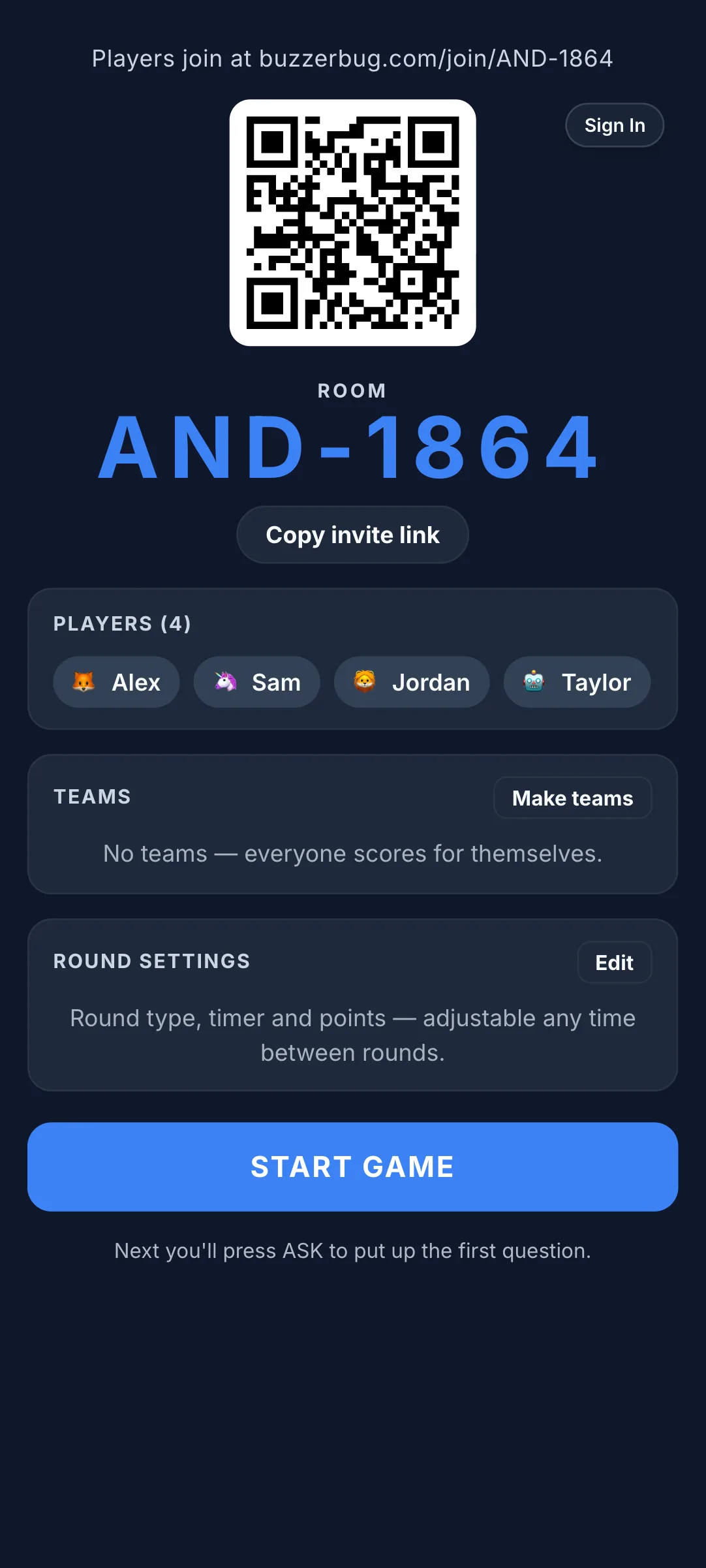
The traditional hand-raising model has a structural problem: it consistently privileges the same students. Research on classroom participation consistently shows that confident, extroverted students dominate verbal responses, while quieter students develop a learned passivity. They stop raising their hand because it rarely gets chosen.
A digital buzzer system changes this dynamic in three ways.
First, speed replaces social confidence. The student who knows the answer fastest wins the floor regardless of whether they are naturally assertive. Introverted students who process information quickly often thrive in buzzer environments when they flounder in hand-raising ones.
Second, team formats distribute pressure. When students buzz in as part of a team, the individual stakes are lower. A wrong answer reflects on the team's strategy, not one student's intelligence.
Third, instant feedback removes ambiguity. Every student knows immediately whether their answer was correct. There is no waiting while the teacher works through other hands.
Five Round Formats Ready to Drop into Any Lesson
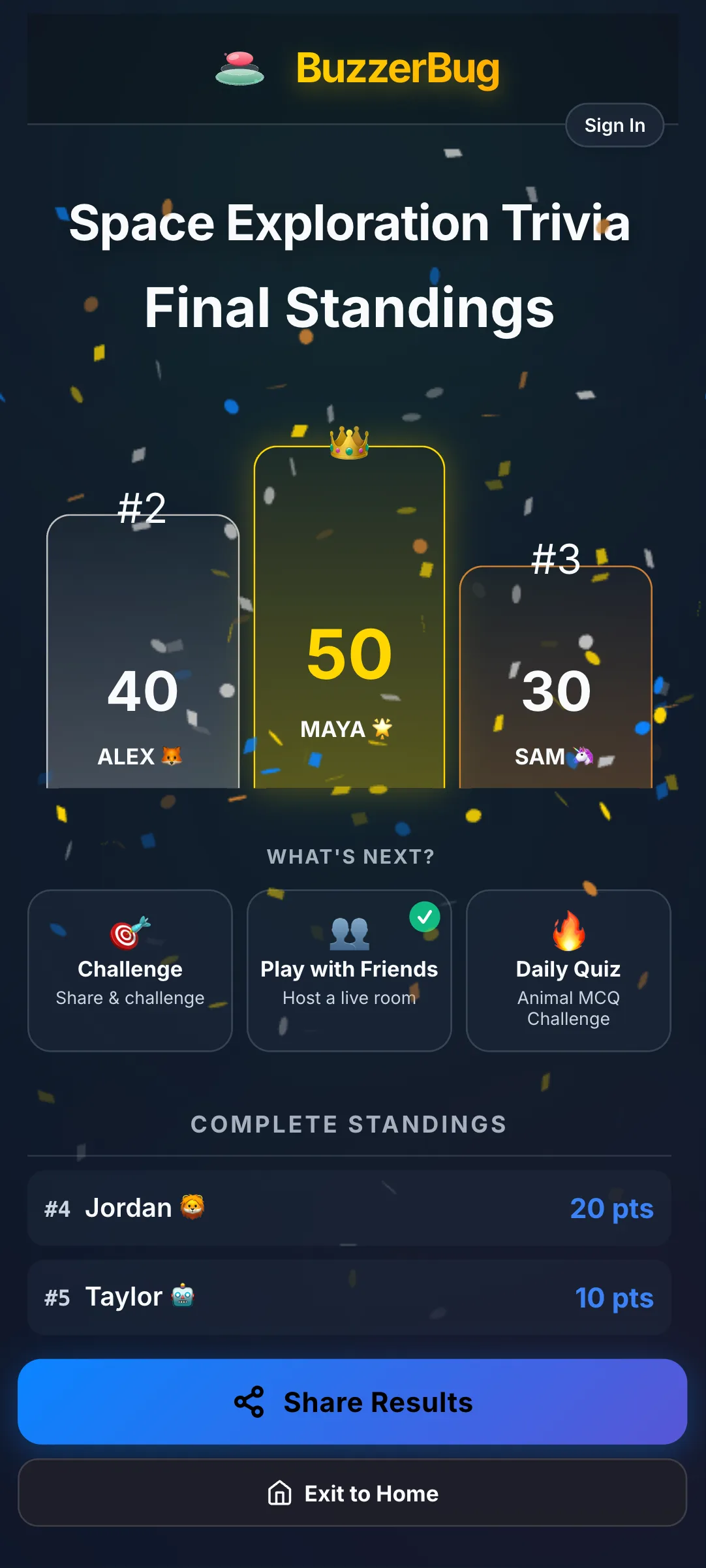
1. Pre-Test Review (20 minutes) The day before a test, run a Jeopardy-style buzzer session. Divide the class into four teams. Present questions worth different point values — easier questions worth fewer points, harder questions worth more. Teams discuss briefly before one member buzzes to answer. Wrong answers pass to other teams. This format reveals exactly which topics need a final five-minute recap before dismissal.
2. Formative Check-In (10 minutes) Use five questions mid-lesson to gauge understanding before moving on. Display each question for thirty seconds. Every student buzzes individually — no teams. This is not about competition; it is data collection. If fewer than half the class answers correctly, stop and reteach. BuzzerBug's response tracking lets you see answer distribution instantly, giving you live diagnostic information that a show-of-hands can never provide with the same accuracy.
3. Peer Teaching Round (30 minutes) Assign each student or pair one concept from the week's material. Give them ten minutes to write two questions about it. Then run a buzzer session using student-generated questions. The authors of each question act as temporary "host" for that question, confirming the correct answer. Students who write questions about a topic retain it significantly better than those who only study it.
4. Vocabulary Sprint (15 minutes) Particularly effective for language classes, science, or any subject with technical terminology. Display a definition; students buzz to provide the term. Or display the term; students buzz to provide the correct usage in a sentence. Speed matters here — you want the first correct answer, not a considered paragraph.
5. Team Debate Buzzer (25 minutes) For humanities and social studies. Present a controversial statement — "The Industrial Revolution improved living standards." Teams buzz in to claim the "for" or "against" position on each question, then have sixty seconds to deliver their argument. Points awarded by class vote on argument quality, not factual correctness. This format builds critical thinking and public speaking confidence while maintaining the energy of a competitive game.
Managing the Competitive Dynamic Fairly
Competition in a classroom is a double-edged tool. Used well, it motivates. Used poorly, it humiliates struggling students and entrenches existing hierarchies.
A few structural safeguards: rotate team compositions weekly so dominant students don't always control the same team. Use point multipliers for questions on topics a team has previously struggled with, so falling behind in one round doesn't lead to a runaway winner. Normalise wrong answers publicly — when a team gets something wrong, share the correct answer with enthusiasm for the information, not mockery for the mistake.
Using Results for Differentiated Teaching
The data from a buzzer session is genuinely useful if you record it. Note which questions generated the fastest responses (confident knowledge) and which generated long hesitation or mostly wrong answers (gaps to address). If the same three students are buzzing first on every question, consider introducing a "new voices" rule where each student can only be the first buzzer twice per round.
Export your question set and results to inform the following week's lesson planning. A ten-minute end-of-week quiz that takes ten minutes to review produces more actionable insight than a formal assessment.
Accessibility Considerations
Buzzer-based learning can inadvertently disadvantage students with processing speed differences or motor difficulties. Mitigate this by including at least one round format per session where speed is not the mechanic — for example, a written round where teams submit their answer simultaneously after sixty seconds.
For students with motor difficulties, any device with a touchscreen or large tap area works as a buzzer. Web-based systems that require no app installation are essential in school environments where device management restricts what software students can run.
Ready to Play?
Create a free game room in seconds. No download, no account needed for players.
Start a Free Quiz Game