The Multi-Generational Family Game Night: How to Host Trivia That Kids and Grandparents Can Both Win
The field guide to solving the all-ages holiday dilemma: why traditional trivia leaves kids or grandparents behind, how the "Decade Swap" and closest-guess rounds level the playing field, and 5 family-tested festive round formats.
2026-08-29 · 10 min read · BuzzerBug Editorial Team

The Great Holiday Dilemma: Generations at War
Every Thanksgiving, Christmas, and family reunion faces the exact same game night challenge: how do you play a game together when your players are eight, thirty-eight, and seventy-eight years old?
Traditional trivia board games are notoriously terrible for multi-generational play:
- When questions center on 1960s British politics or classic black-and-white cinema, the teenagers and grandchildren stare blankly into space, quietly disengaging.
- When questions swing toward YouTube creators, video games, or modern pop music, the grandparents feel excluded and embarrassed.
- Within three rounds, the room fractures. The kids migrate to their bedrooms with tablets, the adults get stuck cleaning the kitchen, and the warm holiday bonding moment evaporates.
Multi-generational play fails when games reward only niche generational recall. But when you engineer games that reward deduction, teamwork, closest-guess estimation, and cross-era pop culture, something magical happens: an eight-year-old and an eighty-year-old high-five across the dining table.

This guide breaks down the psychology of all-ages game nights, the "Decade Swap" mechanic, and five festive round formats that guarantee fair, laughter-filled competition for the whole family.
1. The Cognitive Architecture of All-Ages Play
To build a family game night that works, hosts must understand the distinct cognitive strengths that each generation brings to the living room:
| Generation | Cognitive Superpower | Common Frustration | How to Engage Them |
|---|---|---|---|
| Kids & Tweens (Ages 7–13) | Lightning-fast reflexes; visual memory; modern animation & animal trivia. | Feel outmatched by adult vocabulary and adult historical knowledge. | Give them the buzzer device; include visual cartoon and science rounds. |
| Parents & Adults (Ages 25–55) | Broad general knowledge; strategic wagering; lateral wordplay. | Prone to over-thinking simple questions; often distracted by hosting chores. | Keep round timers crisp (25–30s); balance history with pop culture. |
| Grandparents & Seniors (Ages 65+) | Deep long-term memory; historical context; classic cinema & literature. | Processing speed differences; small smartphone text screens. | Display large typography on the living room TV; pair them with a tech-savvy child. |
2. The Buddy System: Generational Team Drafting
The single most effective structural rule for family game night is the Generational Buddy System: Never pit adults against children.
A game of "Parents vs. Kids" almost always ends with children feeling crushed or adults visibly holding back to be polite—both of which kill authentic fun.
Instead, divide the room into cross-generational pairs or trios:
- Team 1: Grandpa + 9-year-old granddaughter.
- Team 2: Mom + teenage nephew.
- Team 3: Grandma + Dad + 11-year-old son.
Why the Buddy System Works:
- The Shared Device Role: Give the smartphone or tablet buzzer to the youngest team member. The child physically controls the buzzer button, while the adult collaborates verbally on the answer. Children adore being the "official button presser," while older relatives enjoy advising.
- Mutual Dependency: When a 1980s music question appears, the child leans on the grandparent. When a Minecraft or modern superhero question appears, the adult looks to the child as an expert. This dynamic dissolves generational barriers and sparks genuine inter-generational respect.
3. Five Family-Tested Round Formats
Drop these five holiday-tested formats into your next Thanksgiving, Christmas, or weekend family gathering:
Format 1: The "Decade Swap" Round
- The Mechanic: The host announces that for this round, the rules are inverted: adults are only allowed to answer questions about the current decade (2020s slang, modern gaming, current animation), and children are only allowed to answer questions about the 1970s and 1980s.
- Sample Child Question (1980s): "Before streaming and DVDs, what magnetic tape cassette did families rent from Blockbuster to watch movies at home?" (Answer: VHS)
- Sample Adult Question (2020s): "In online slang, if someone says a story is 'no cap', what does that mean?" (Answer: No lie / For real)
- The Result: Hysterical role reversal. Watching parents struggle to define modern slang while ten-year-olds ponder dial-up modems creates instant room-wide laughter.
Format 2: The Visual Animated Classic Sprint
- The Mechanic: Display character silhouettes or zoomed-in snapshots from iconic animated films on the living room TV screen.
- Why it works: Every generation from Baby Boomers to Gen Alpha grew up on Disney, Pixar, Warner Bros, and Studio Ghibli. A snapshot of Simba, the genie's lamp from Aladdin, or the balloon house from Up bridges every generation instantly.
Format 3: The Great Equalizer (Closest-Guess Estimation)
- The Mechanic: Estimation rounds completely eliminate the advantage of the family "know-it-all" because nobody in the room knows the exact answer.
- Family-Tested Estimation Questions:
- "How many pounds did the world’s heaviest Thanksgiving pumpkin weigh?" (Answer: 2,749 lbs)
- "What year was the chocolate chip cookie invented?" (Answer: 1938)
- "How many teeth does an adult great white shark have in its mouth at one time?" (Answer: ~300)
- Scoring: BuzzerBug awards points on a sliding proximity scale. The team closest to the real number takes top points, making every reveal a suspenseful drumroll.
Format 4: Family Lore & Secret Memories
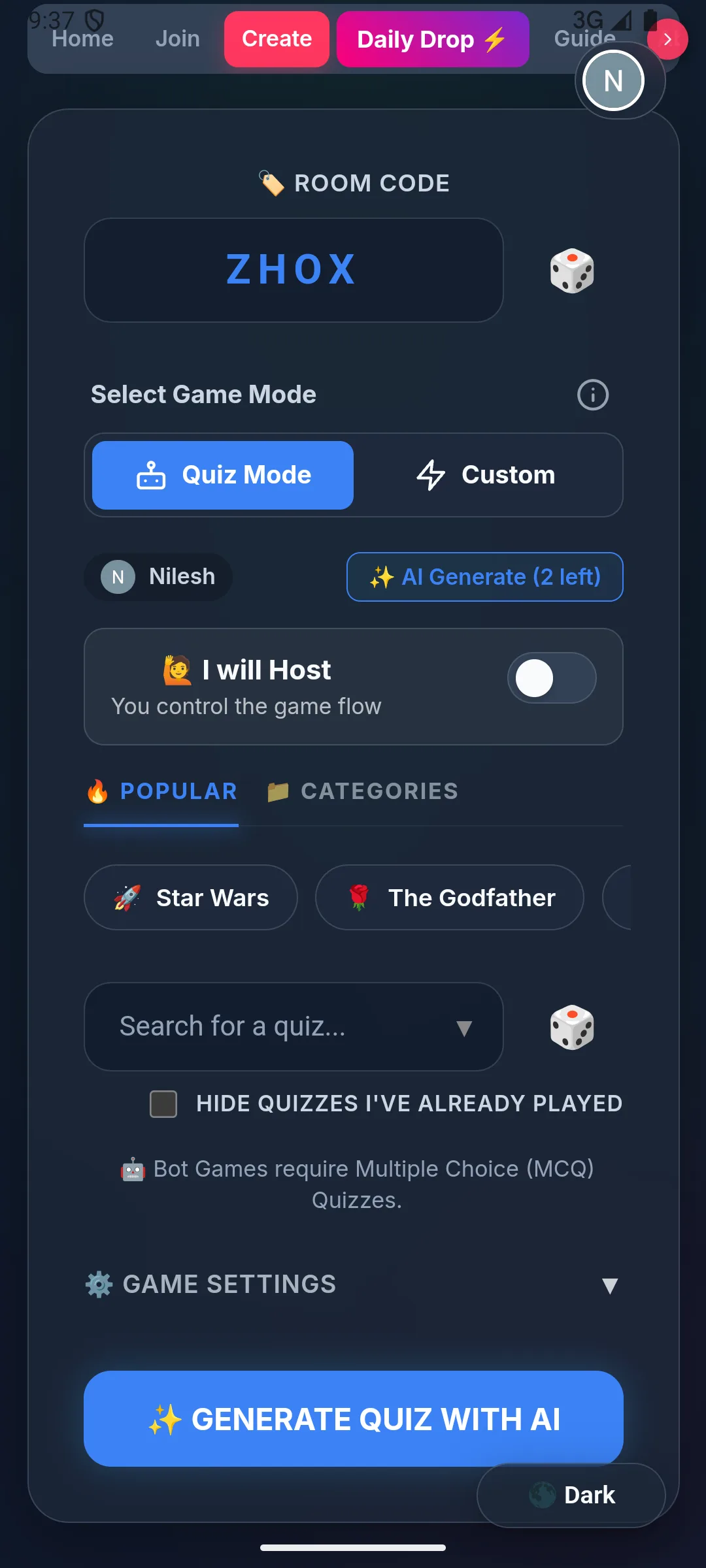
- The Mechanic: Use BuzzerBug's custom question builder to sprinkle 3 to 5 questions about your own family's history into the game:
- "What culinary disaster happened to Thanksgiving dinner in 2018?" (Options: The turkey caught fire / Dog ate the pie / Gravy made with salt / Power outage)
- "Which relative got lost in Disney World dressed as Buzz Lightyear?"
- Why it works: Personalized questions transform a generic quiz into an emotional family heirloom. It prompts elders to tell stories and allows younger kids to discover funny family history they had never heard before.
Format 5: Finish the Holiday Song Lyric
- The Mechanic: Play the first five seconds of a beloved holiday tune (e.g. Frosty the Snowman, Jingle Bell Rock, Rudolph the Red-Nosed Reindeer, or All I Want for Christmas Is You). Cut the music and prompt teams to submit the next line.
- The Result: Spontaneous family sing-alongs. Even relatives who claim they "hate trivia" happily sing along.
4. Managing Tears, Sibling Rivalries, and Holiday Emotions
Competitive dynamics in families can be delicate. A sibling rivalry from twenty years ago can suddenly reignite over a disputed trivia point, or an eight-year-old might cry if their team falls into last place.
Protect the holiday spirit with these three ground rules:
1. Abolish Negative Marking
Ensure BuzzerBug’s negative scoring toggle is disabled. In family games, losing points for an adventurous guess creates anxiety and discourages younger players from participating. Keep points positive and celebratory.
2. The "Comeback Kid" Final Question
In the final round, announce a high-value bonus question worth enough points that even the team currently in last place has a mathematical chance to jump onto the podium. Keeping hope alive until the final question keeps younger children fully engaged.
3. Silly Physical Prizes Over Cash
Avoid awarding high-stakes cash or gift cards, which raise emotional tension. Instead, award ridiculous holiday trophies:
- The coveted "Family Trivia Champion" tacky holiday sweater.
- The right to take the first slice of pie.
- Exemption from post-dinner dishwashing duties for the night.
5. Technology Setup for All Generations
Keep the physical and technical friction at absolute zero:
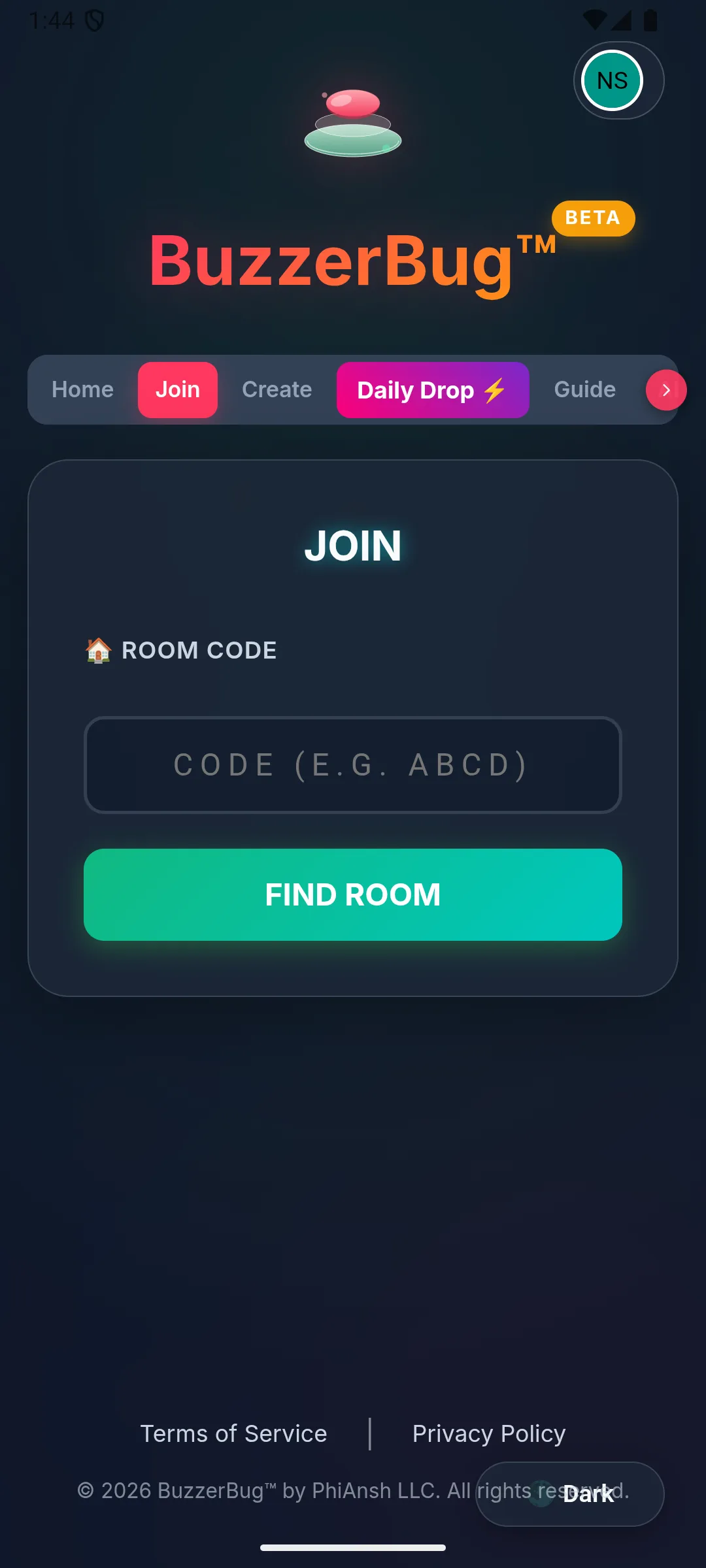
- Smartboard / TV Setup: Cast the BuzzerBug TV view (
/tv/:roomCode) to your main living room television. Increase TV volume so timer chimes and celebratory fanfare are audible over family chatter. - Tablet / Phone Handoff: Ensure devices have screen timeout settings set to at least 5 minutes so screens don't sleep between questions.
- Bright & Contrast-Rich Theme: Under BuzzerBug settings, choose the Contrast or Kids theme. High-contrast large text ensures grandparents with reading glasses can follow along effortlessly.
Summary: The Family Game Night Checklist
- [ ] TV View Live: Cast BuzzerBug TV spectator display to the family room television.
- [ ] Generational Teams Drafted: Pairs created mixing one child/teen with one adult/senior.
- [ ] Devices in Children's Hands: Phones or tablets handed to the younger generation as buzzers.
- [ ] Negative Marking OFF: Positive points only to preserve holiday warmth.
- [ ] Mix of Formats: 3 recall questions, 2 visual animated questions, 3 closest-guess estimation questions.
- [ ] Dessert Served: Slices of pie and hot cider ready for intermission.
Ready to start an unforgettable new holiday tradition? Create a free BuzzerBug room and bring your family together for an evening of shared laughter.
Ready to Play?
Create a free game room in seconds. No download, no account needed for players.
Start a Free Quiz Game